Overview
Make drawing easier.
Events involve a lot of repetitive drawing work. SCAD Re‑Event handles the placing, counting and checking for you, so you can focus on the design.
For events
Built for event design.
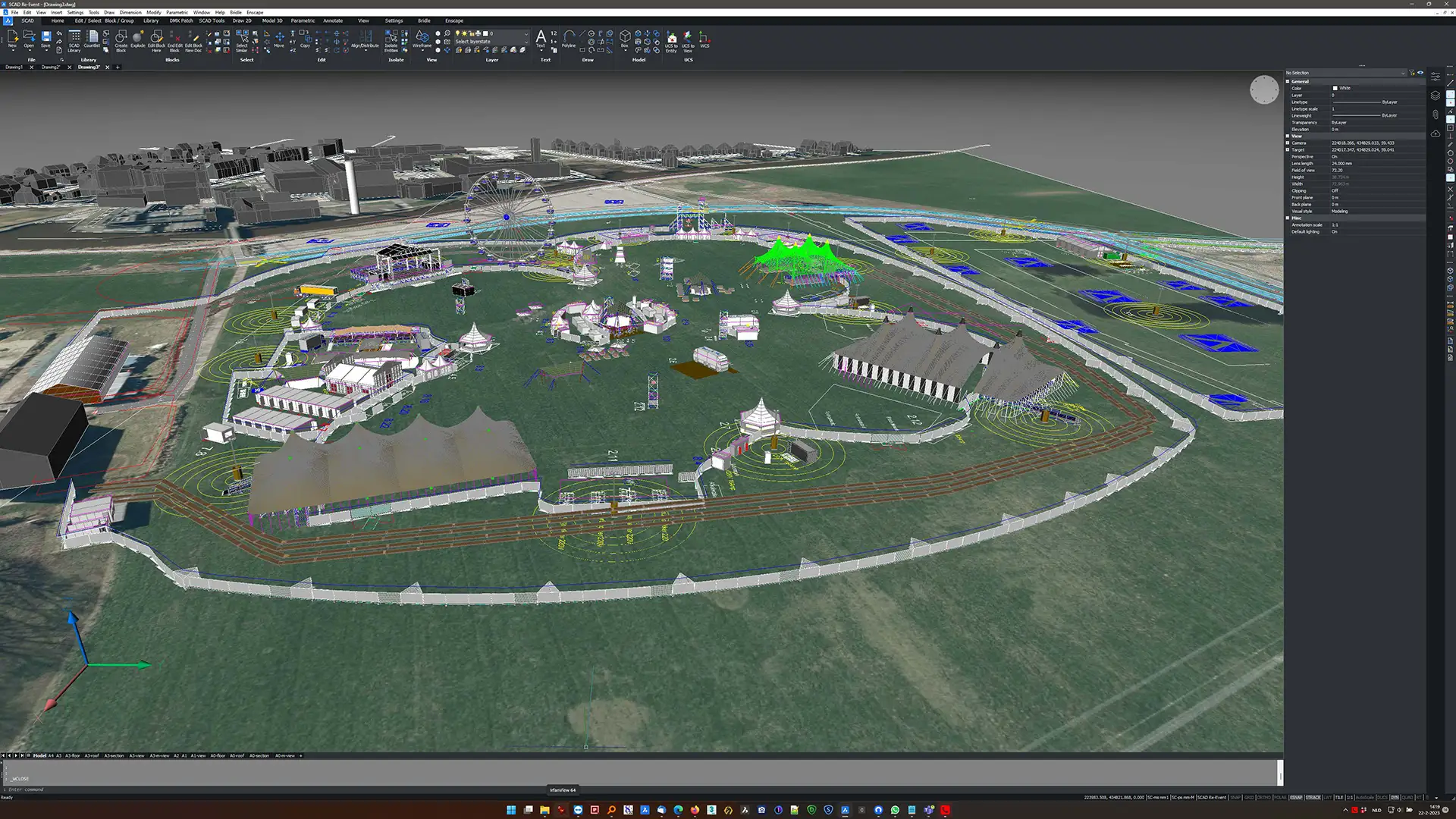
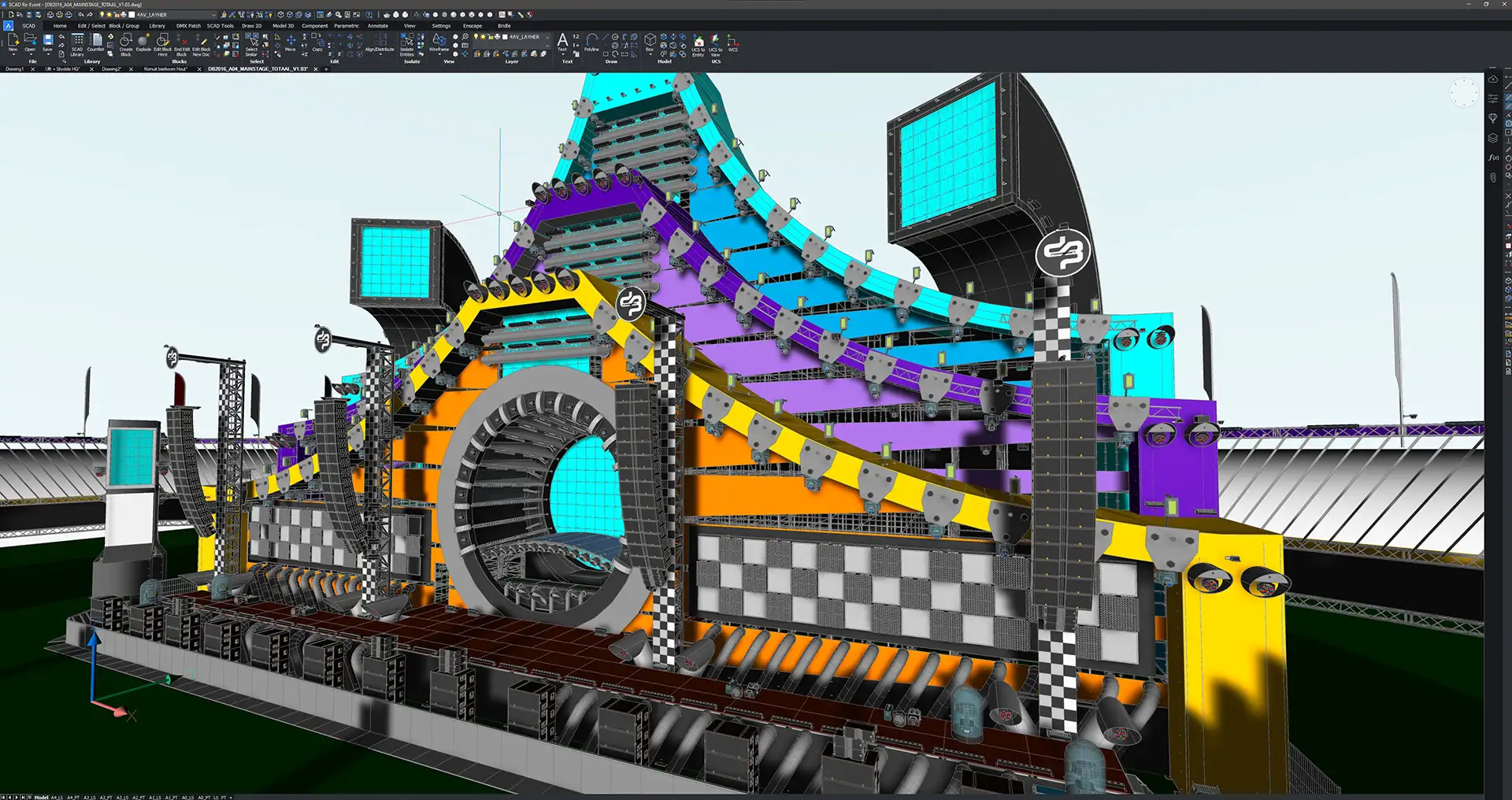
SCAD Re‑Event is built for event design of all kinds, big or small, indoor or outdoor. Drawing a festival site takes a different approach from designing a stage, and SCAD Re‑Event handles both.
Organizing an event involves many disciplines, so file compatibility is key. SCAD Re‑Event uses the standard DWG format, so you don’t need file conversions when collaborating with other companies.
- File format
- DWG
- Conversions
- None
- Scope
- Festival grounds to stages
Repetitive work
Faster
Most of the time on an event drawing goes into repetitive work: placing and connecting parts, counting materials, planning power and checking the build. SCAD Re‑Event takes care of all of it.
- Drop tents, stages, fencing and units straight from the block libraries.
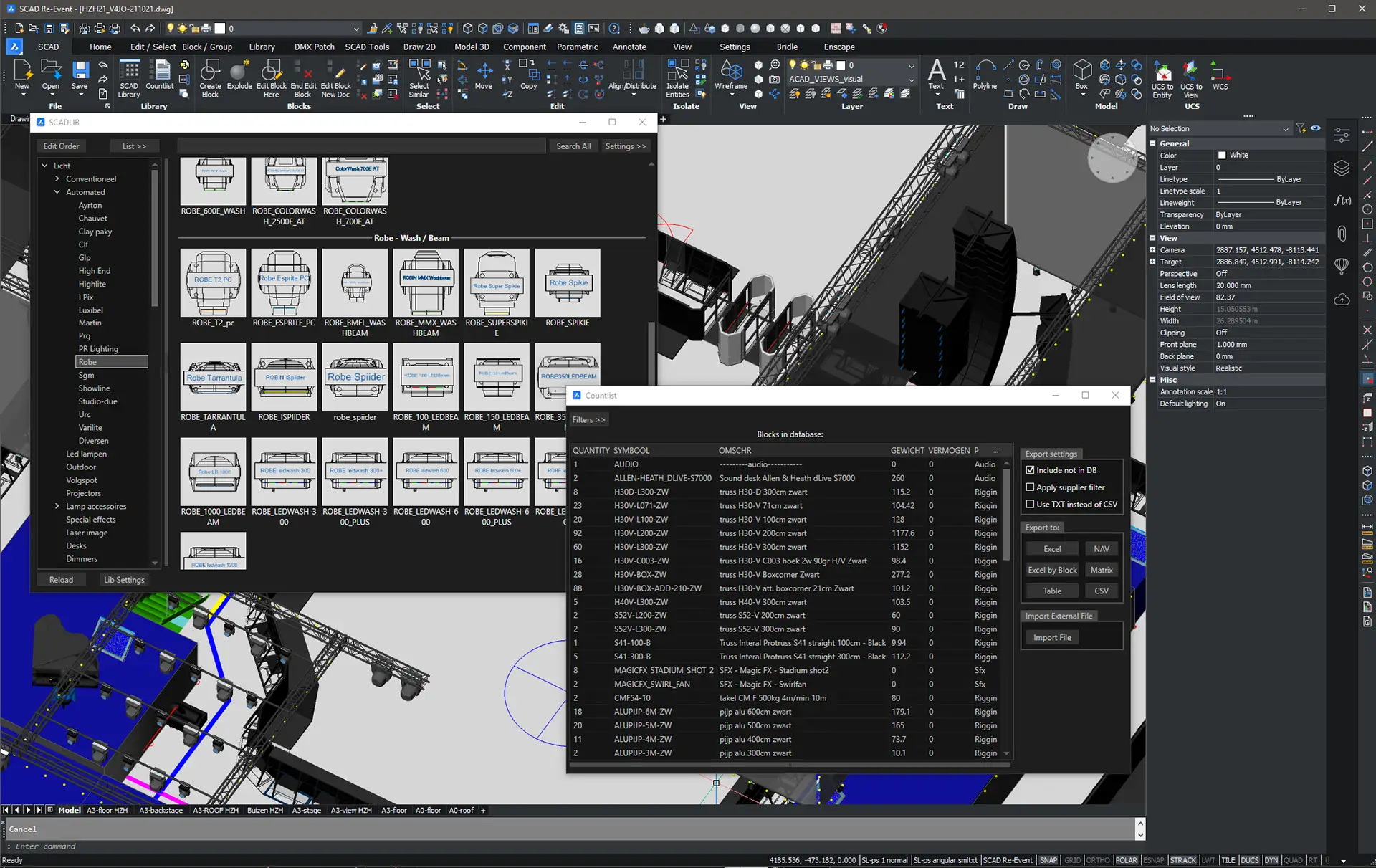
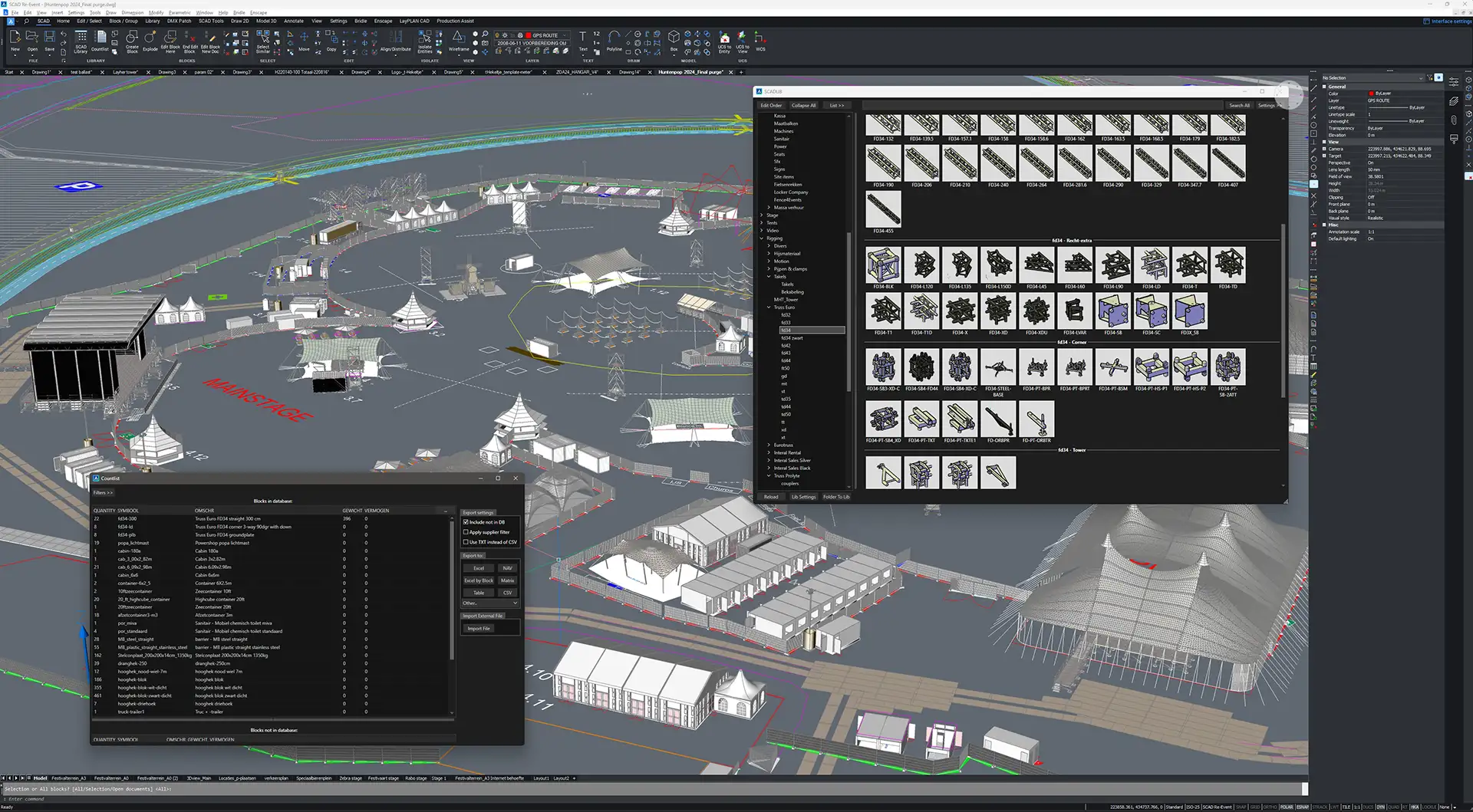
- The Countlist reads the drawing and tallies every item. No manual counting, no hand-built spreadsheets.
- Library blocks snap together at their connection points, like the real kit. While you place a block, you can flip through its alternatives.
- Plan power, DMX and cabling in the drawing itself. Patch by clicking, and cable lengths and labels keep themselves up to date.
- Optional model checks catch doubled, missing or clashing parts with your own rules, before they cost you time on site.
- Layouts, sections and PDF publishing are there too, as in any full CAD program.
- Share your layouts as one link with SCAD Share (beta). Clients and crew mark up the sheets or the 3D model, and you see what is still open.
Know what is in the drawing
Smarter
In a large drawing with many objects, you need to keep track of what’s in it. SCAD Re‑Event can tell you at any time how many items you’ve used, across the whole drawing or in just one area.
- Displays the weight, power and article number of the selected objects.
- Counts blocks nested inside blocks accurately, no matter how many levels deep they go.
- Finds any duplicate blocks in the drawing.
- Counts and selects the seats in a seating plan.
The library
Bigger
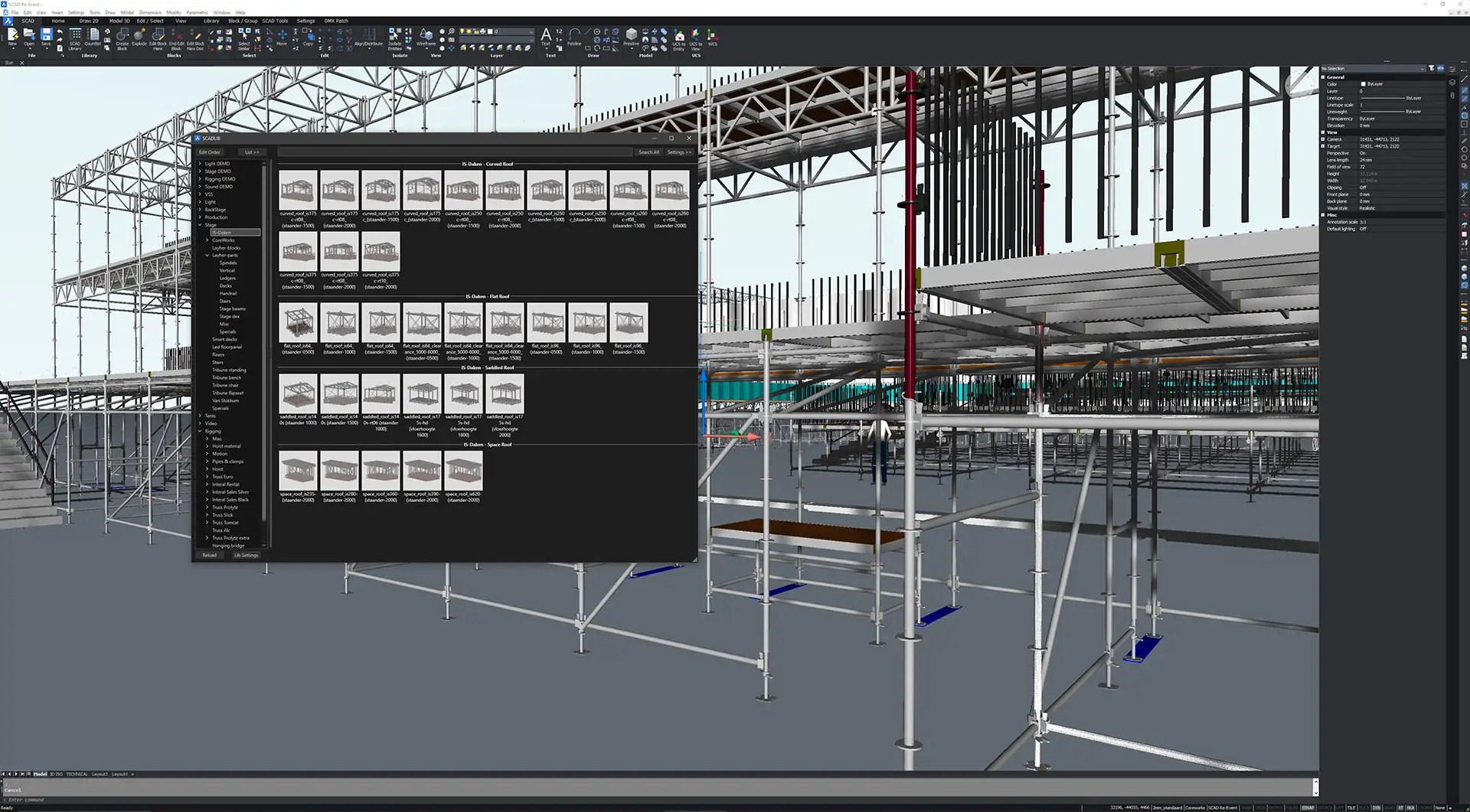
SCAD Re‑Event has a library of over 20,000 items, organized in groups and sub-groups so you can find what you need.
- Click an item to see its name, weight, power, price and more.
- Click Find, enter a name, and every block containing that text comes up in seconds.
- Only know the article number, not the block name? Search by that instead and insert the block straight into your drawing.
- Build your own library from your own blocks or a CSV list, next to the standard one.
- Bring blocks in a drawing up to the latest library version, with their layers and attribute values kept.
Built on user requests
Better
Our goal is to build the best CAD program for events in the world. We’re always working on better features and smarter, simpler ways to create and edit drawings.
Almost every feature starts as a user suggestion. Don’t be surprised if your request shows up in the next release.
The library grows every day. Missing a specific item? Let us know and we’ll create it.