
The main program
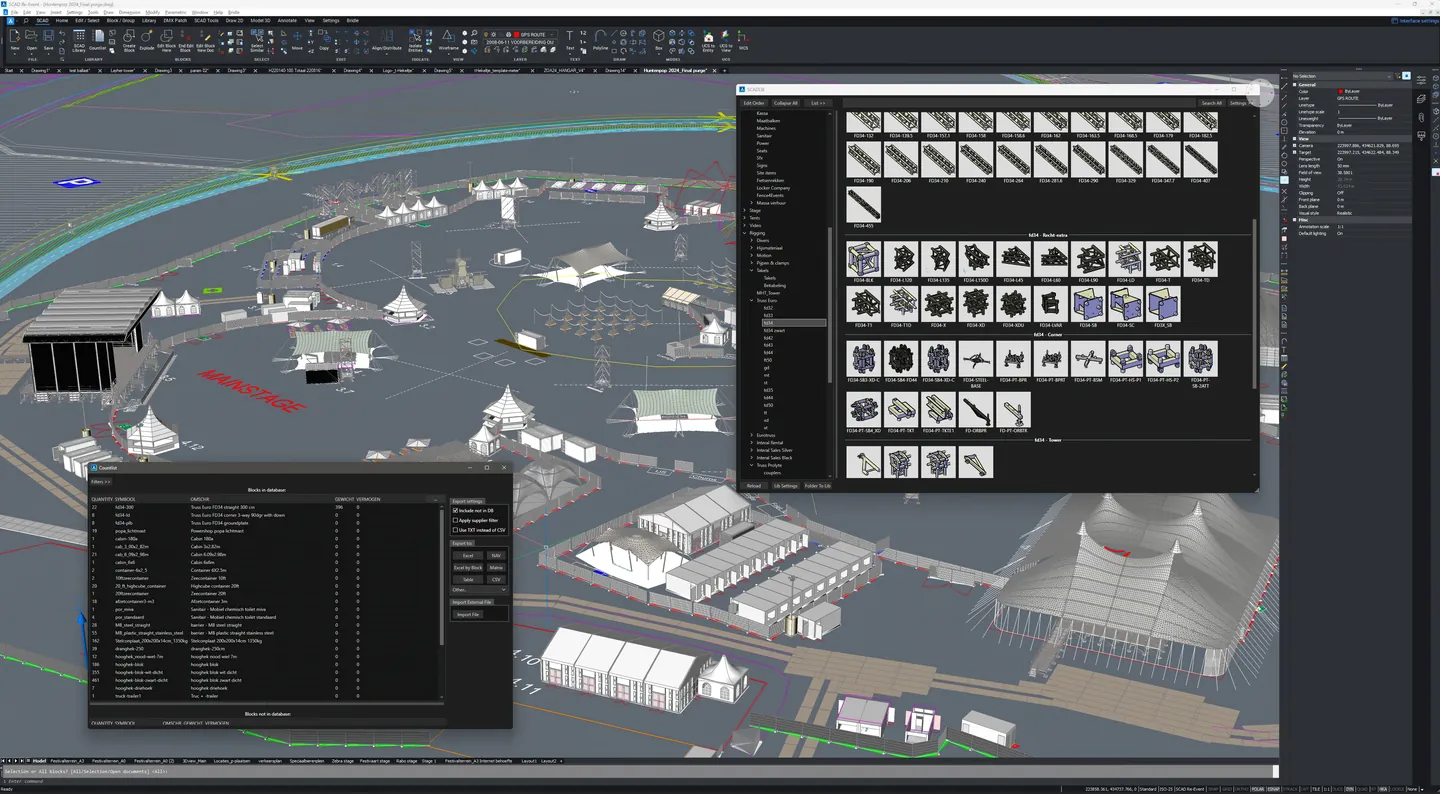
SCAD Re-Event
3D CAD for event design.
Draw your event in 2D and 3D with a library of 20,000+ blocks: truss, staging, fencing, fixtures and tents. Count every item, patch power and DMX, and save it all as DWG.
Extra modules, built on your drawing
Extra modules
One drawing.
Three ways to put it to work.
SCAD Maps, CADANZ and SCAD Share are extra modules for SCAD Re-Event. They turn your drawing into the map your crew works from, the light show your client sees before anything is built, and the plan set everyone can comment on.
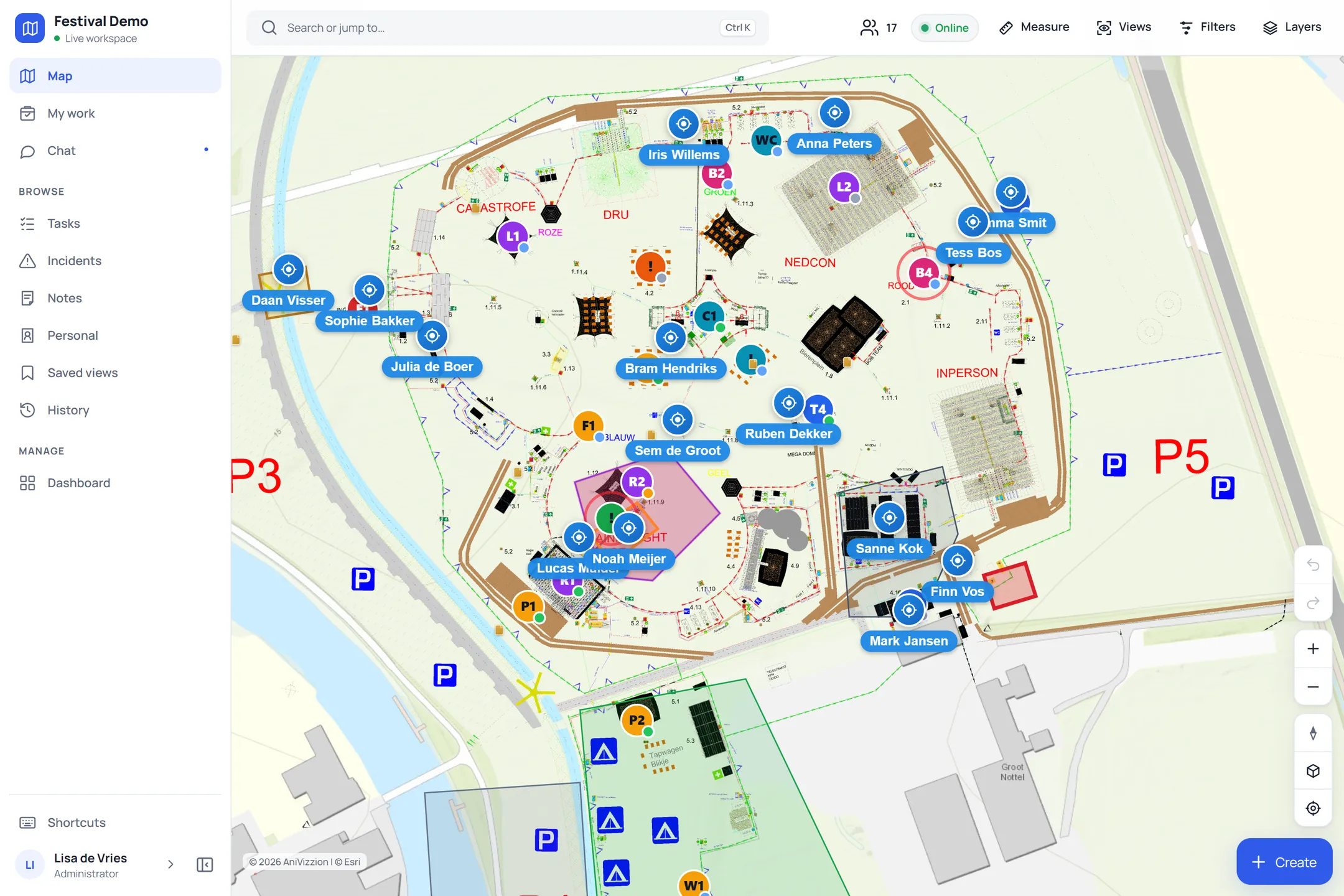
SCAD Maps
Your whole event on the same map.
Venue plans, tasks, incidents, chat and crew locations on one live map. Download venue plans for offline use. Live crew positions and new incoming messages need an internet connection.
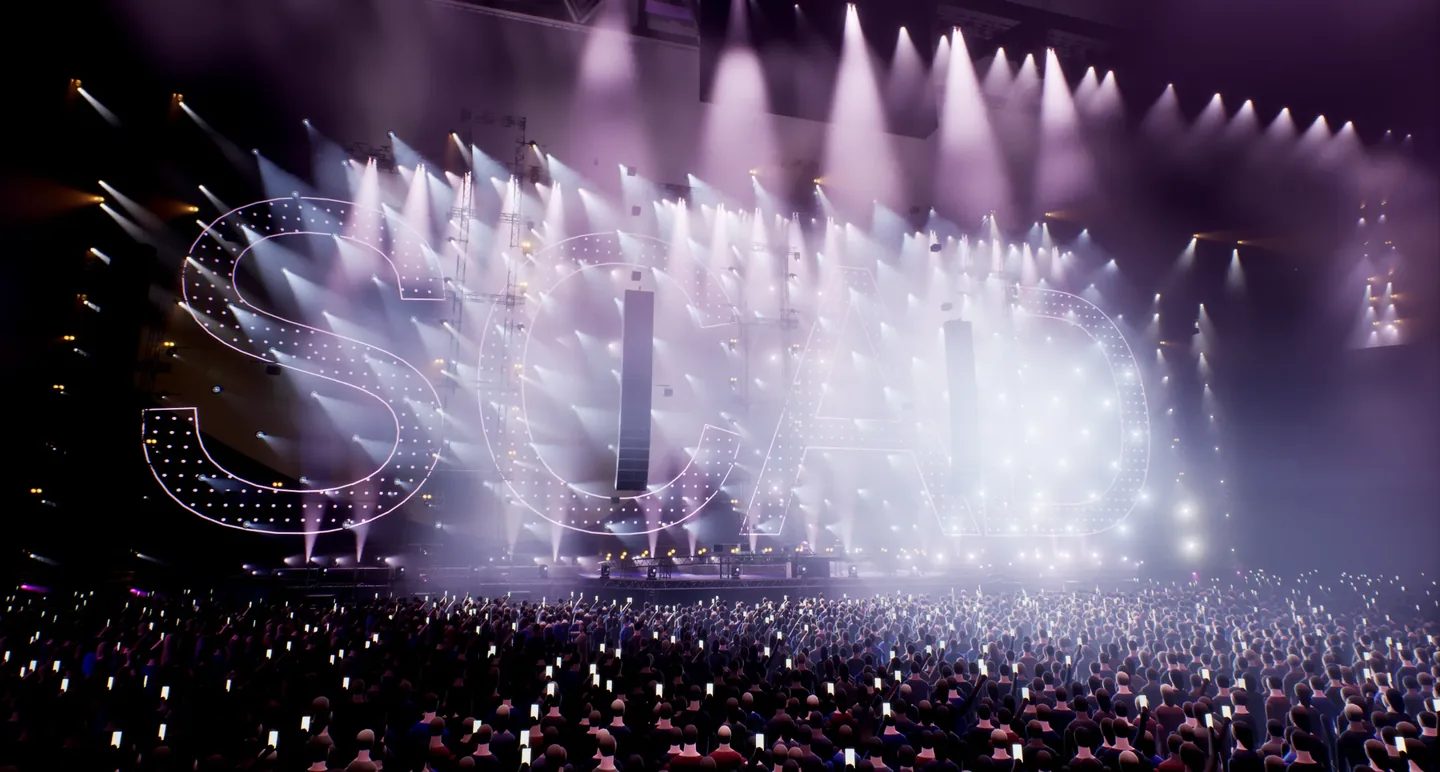
CADANZ
See the show before the first truss goes up.
Your SCAD Re-Event drawing, fully visualized: beams in the haze, moving heads, LED walls, lasers, an audience and fireworks. Program the show and play it to the music.
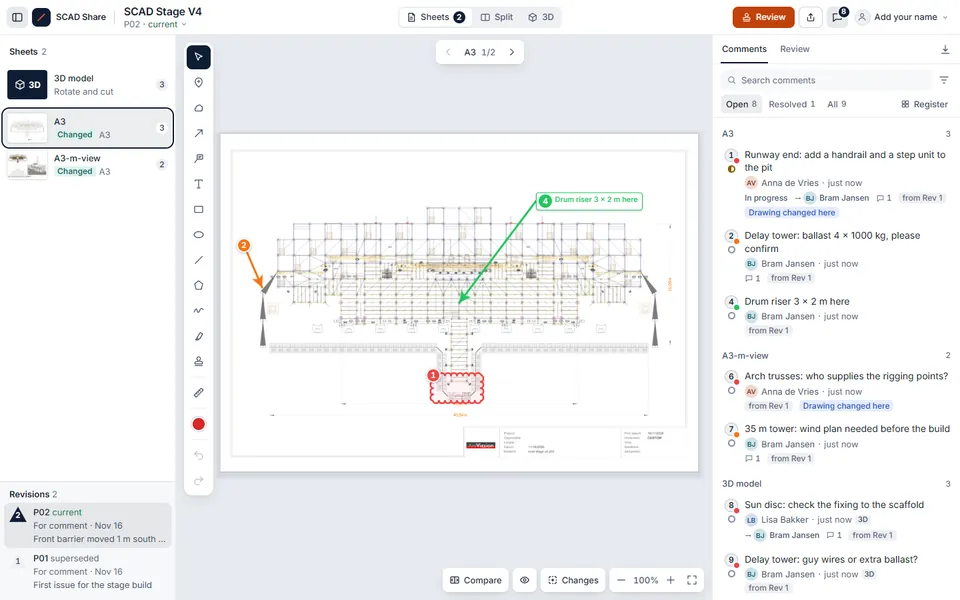
SCAD Share
Feedback on the drawing, not in your inbox.
Publish your layouts as one link. Guests mark up the sheet or the 3D model; you see per revision what is still open.
The main program
It starts with SCAD Re-Event
All three start from the same drawing, made with SCAD Re-Event, the CAD plug-in for event drawings. One command and the drawing is on the map, in the show or in review.